
The free multivendor space is smaller than it looks. Several plugins on roundup lists are either abandoned, paywalled past the basics, or just add-ons to other plugins rather.
This list cuts it to four plugins that are actively maintained, genuinely free to launch with, and meaningfully different from each other.
The comparison table below is the fastest way to pick. The full entries cover where each plugin earns its place and where it falls short.
Best Free WooCommerce Multivendor Plugins: Comparison at a glance
| Plugin | Best for | Free vendor dashboard | Commission types | Stripe Express |
|---|---|---|---|---|
| Dokan | Most stores, maximum features | Yes | Global, vendor, product | Yes |
| WC Vendors | Simple storefronts, fast setup | Yes | Percentage, flat rates | Paid add-on |
| MultiVendorX | Non-standard marketplaces | Yes | Multiple, adjustable | Paid add-on |
| WCFM Marketplace | Invoicing + shipment tracking built-in | Yes | Flexible | No |
1. Dokan – Most feature-rich free tier
Dokan has the largest install base of any free multivendor plugin and the most active development. The free tier covers everything you need to launch: a frontend vendor dashboard, a commission system, product and order management, and PayPal/Stripe payouts.
The paid modules add shipment tracking, store analytics, subscription plans, and Stripe Express for automatic vendor splits. You can build a full-featured marketplace without touching any of them, but they are there when you grow into them.

Where Dokan earns its reputation: The vendor onboarding flow is well-designed. New sellers can set up a store page, add products, and configure shipping without admin involvement. That matters when you have dozens of vendors who need to operate independently.
Where it gets heavy: Dokan adds a lot to your WordPress install. If you are running a small marketplace with a handful of vendors selling a limited catalog, you will have features and settings you never touch. WC Vendors or MultiVendorX will get you live faster with less overhead.
Key features:
- Frontend vendor dashboard with unique store URL per vendor
- Global, vendor-level, and product-level commission rules
- PayPal, Stripe, Stripe Express, Razorpay, and Mangopay support
- Shipment tracking (free tier includes basic tracking)
- 40+ paid modules for specialized marketplace types
2. WC Vendors — Faster setup, leaner admin, straightforward commission rules
WC Vendors targets stores where the marketplace structure is straightforward: sellers list products, you take a commission cut, buyers check out through WooCommerce. If that describes your store, WC Vendors sets up faster than Dokan and keeps the admin interface leaner.
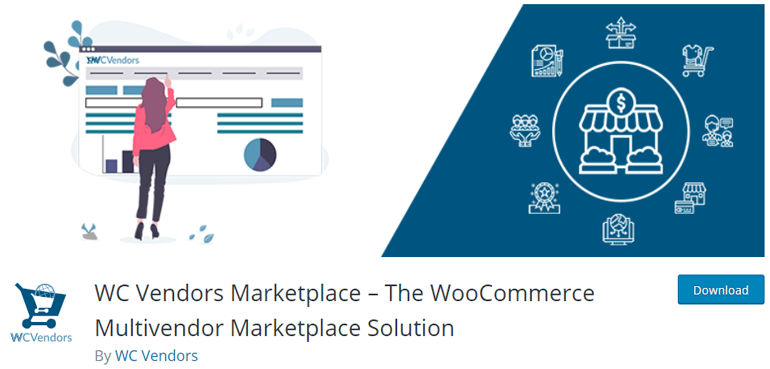
The setup wizard walks you through vendor configuration in a few steps. Commission rules cover percentage and flat-rate models. Each vendor gets a unique store URL and their own product management dashboard.
The free tier supports 100+ payment gateways. Stripe Express for automatic vendor payouts requires a paid add-on, which is the main reason stores with high vendor volume tend to choose Dokan instead.
Pick WC Vendors if: you want to launch fast, your commission structure is simple, and you do not need automated vendor payouts from day one.
Key features:
- Setup wizard for fast configuration
- Percentage and flat-rate commission plans
- Unique store URL per vendor
- 100+ payment gateway support
- Table rate shipping for WC Vendors (paid add-on)
3. MultiVendorX — For non-standard marketplace structures
MultiVendorX (previously known as WC Marketplace) suits marketplaces that do not fit the standard product-listing model.
An online art gallery where artists set their own prices, a local farmers market where produce availability changes daily, a B2B catalog where buyers request quotes rather than adding to cart — MultiVendorX handles these cases with less configuration work than Dokan.
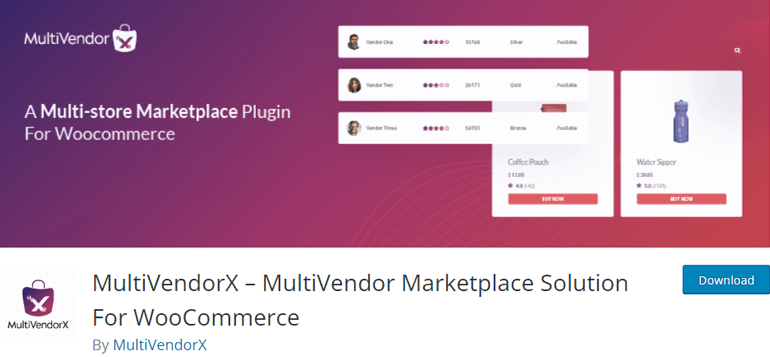
The commission system lets you configure plans per vendor or per product category. The vendor dashboard is clean enough that sellers with no technical background can manage their own store pages. There is also a migration tool if you are moving from another multivendor plugin.
Pick MultiVendorX if: your marketplace type does not map cleanly onto a standard WooCommerce product store, or you are migrating from a different plugin.
Key features:
- Adjustable commission plans by vendor or category
- Social marketplace support
- Refund manager
- Migration tool for switching from other plugins
- Vendor and seller management dashboard
4. WCFM Marketplace — Free store invoicing and shipment tracking
WCFM Marketplace includes store invoicing and shipment tracking in the free tier, features that Dokan puts behind a paywall. If those two capabilities matter to your store and you want to avoid a paid plan, WCFM is worth testing before committing to Dokan Pro.
The vendor dashboard covers product management, order tracking, earnings, and withdrawal requests. Commission types are flexible: you can set rules by category, by vendor, or globally. The plugin has dedicated support and a consistent update history.
Two companion plugins extend WCFM further: WooCommerce Frontend Manager adds bookings, rentals, and direct vendor messaging; WCFM Membership adds subscription tiers for vendor plans. Both are free.
Pick WCFM if: you need invoicing and shipment tracking without paying for them, or you plan to offer vendor membership tiers.
Key features:
- Store invoices and shipment tracking, free
- Flexible commission types (global, category, vendor)
- Withdrawal and reverse withdrawal system
- Store geolocation with radius search
- Bulk stock manager
BONUS: Choosing a WooCommerce theme for your multi-vendor marketplace
The plugin manages your vendors. The theme is what your buyers see. A WooCommerce storefront that loads fast and renders product grids cleanly makes a measurable difference to conversion.
Zakra is a free WordPress theme with 18 WooCommerce-ready starter demos. Each imports in one click.
General online stores:
- Online Shop — product-first homepage, Gutenberg (free)
- Ladies Shop — fashion and apparel storefronts (free)
- Online Store — multi-category layout, Elementor
- Girl Fashion — full-width product grid, Elementor (free)
Niche marketplaces:
- FoodHunt — food and restaurant marketplaces (free)
- Furniture v2 — home and lifestyle stores
- Antique — collectibles and boutique stores
- Organic Farm v2 — farm-to-table and produce
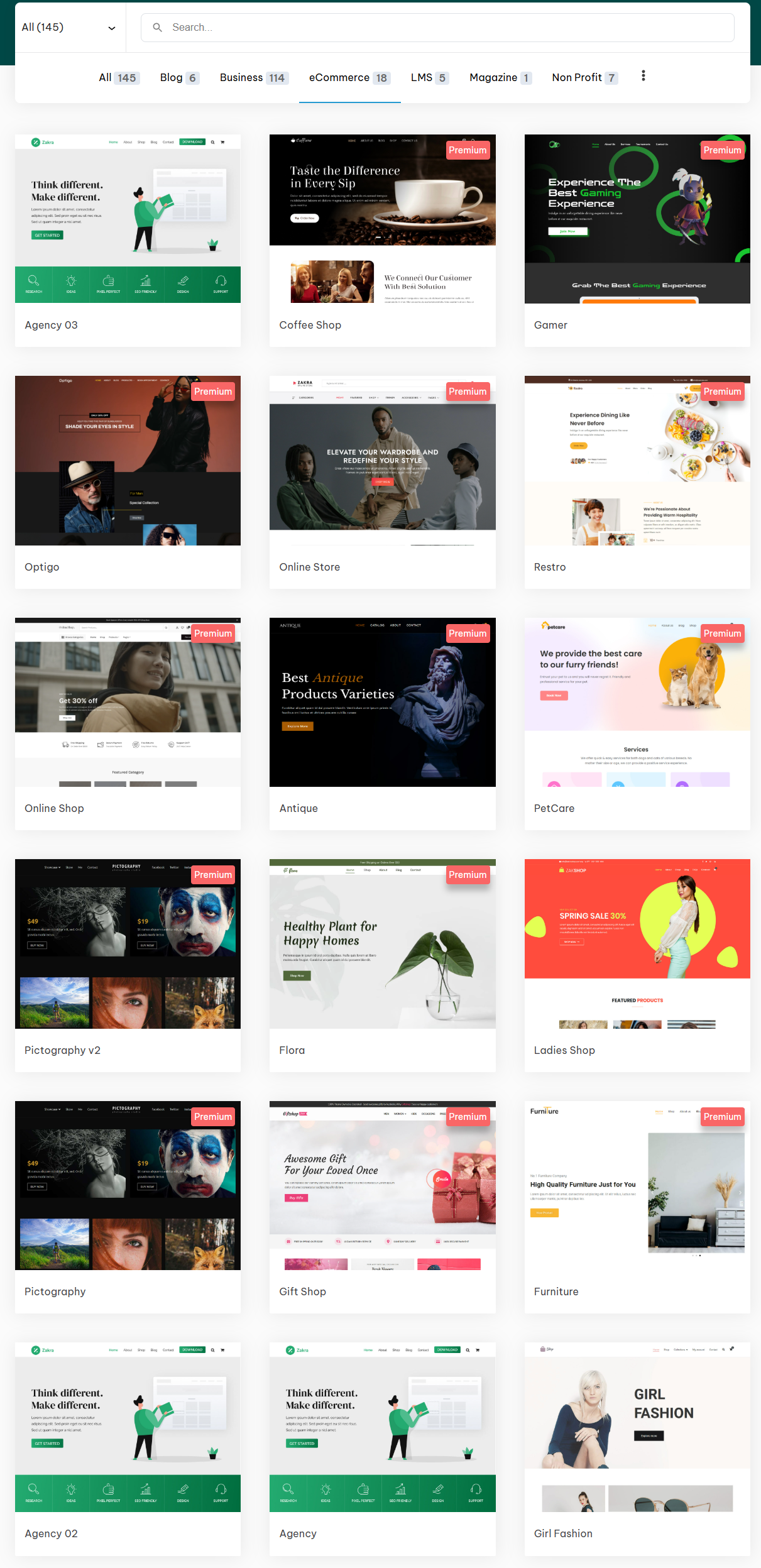
All demos work with WooCommerce, Elementor, and Gutenberg. Browse all 145 Zakra starter sites
Frequently asked questions
Dokan vs WC Vendors: which free tier is stronger? Dokan covers more ground in the free tier — Stripe Express is included, shipment tracking works without a paid module, and the vendor dashboard has more configuration options. WC Vendors’ free tier is leaner and faster to set up, but Stripe Express and table rate shipping both require paid add-ons. For most stores starting out, Dokan’s free tier gives you more runway before you need to pay for anything.
Do these plugins work with any WooCommerce theme? Yes, all four are WooCommerce-compatible and will work with any WooCommerce theme. Vendor store pages and product grid layouts do vary in quality depending on the theme, so previewing with a WooCommerce-specific demo before you finalize your theme choice is worth doing.
Can I switch multivendor plugins later? Dokan, WC Vendors, and MultiVendorX all have migration tools or documented migration paths. WCFM does not have an official migration tool. Switching after you have live vendors and active orders is a significant operation regardless of which plugin you use. Choosing carefully upfront saves more time than any migration path will.
For the payment gateway side of your store, see best WooCommerce payment gateways — it covers the options your vendors and customers encounter at checkout.