You’ve probably already tried building your hosting company’s site on a generic multipurpose theme, only to spend hours wrestling it into looking like it actually sells hosting, the pricing tables don’t fit, the WHMCS (Web Hosting Billing & Automation Platform) login doesn’t connect cleanly, and the whole thing feels like a template wearing a costume.
You’re not the only one running into this. Most general-purpose WordPress themes just weren’t built for hosting businesses, and forcing them to work eats up time you don’t have.
The good news: a handful of themes were actually built for this job. Below are 9 web hosting WordPress themes worth your time in 2026, what each one is genuinely good at, and where it falls short – so you can pick once and get back to running your business.
Key Takeaways
- Zakra is the strongest all-round pick if you want a free, lightweight theme with pre-built hosting demos and no coding.
- If you specifically need WHMCS integration, Hostiko, Hostingo, Hostinza, MaxHost, and Hostino are purpose-built for it.
- Astra and Divi are the safer choice if you want a theme with a huge ecosystem and long-term support, even though they’re not hosting-specific.
- Check the live listing price before you buy – marketplace pricing changes more often than review articles get updated.
Hopefully, you’re aware of the things to keep in mind while choosing WordPress hosting thing. Now, let’s get to the list we’ve prepared for you.
14 Best Web Hosting WordPress Themes
1. Zakra
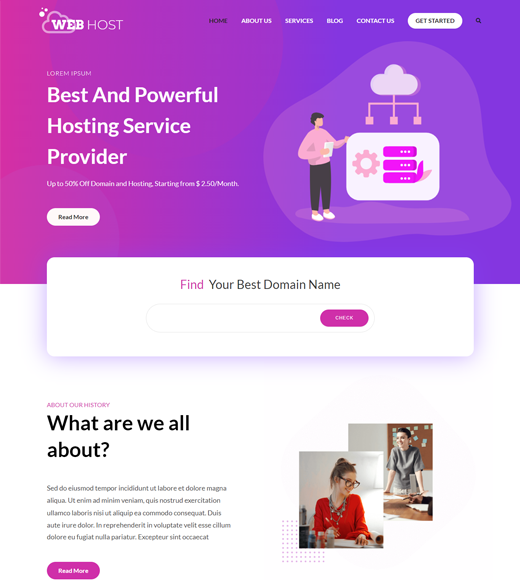
Zakra is the theme to start with if you want your hosting site live without touching code. It’s a lightweight, multipurpose WordPress theme with a drag-and-drop page builder, built-in starter sites you can import in one click (including a ready-made hosting demo), and full compatibility with Elementor and Gutenberg.
What makes it a fit for hosting businesses specifically: it’s fast out of the box, so pages with pricing tables and comparison grids don’t drag down load times, and the free version already covers most of what a small hosting business needs before you’d consider upgrading.
Key features:
- One-click hosting demo import
- Works with Elementor, Gutenberg, and Beaver Builder
- WooCommerce-ready if you sell add-ons or domains directly
- Custom CSS and per-page customizer settings
Pros: Free to start, genuinely lightweight, easy for non-developers Cons: No native WHMCS bridge — you’ll need a separate plugin if you’re running WHMCS billing directly through your theme
Who it’s for: Hosting businesses that want a fast, no-cost launch and are comfortable adding a WHMCS plugin separately if they need one.
Price: Free, or from $69/year on Pro (check the current pricing before you buy, since plans get updated).
If tight WHMCS integration out of the box is a dealbreaker for you, the next few themes are built specifically around that.
2. Hostiko
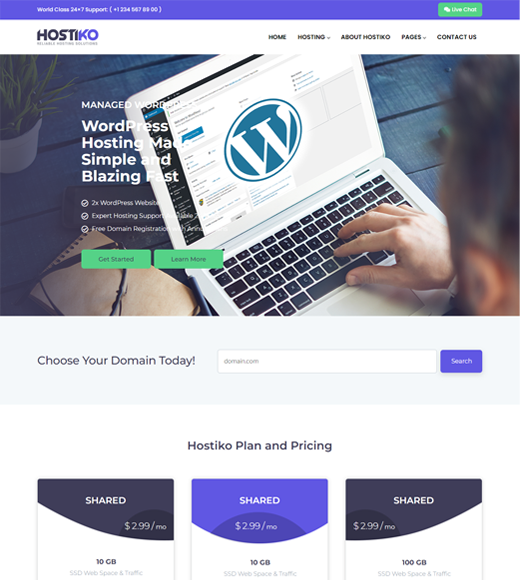
Hostiko is built around one thing: WHMCS. It ships with the WHMCS Bridge plugin already wired in, so your billing system and WordPress site actually talk to each other instead of living as two separate tools.
Key features:
- Built-in WHMCS Bridge integration
- 62+ homepage variations
- Mega menu and SEO-friendly code
- Dedicated layouts for VPS, shared, and dedicated hosting
Pros: Saves setup time if WHMCS is central to your business Cons: Fewer general-purpose layout options outside of hosting-specific pages — less flexible if your site needs to do more than sell hosting
Who it’s for: Hosting companies running WHMCS as their core billing system who want that connection working on day one.
Price: From $39 for a regular license.
3. Hostingo
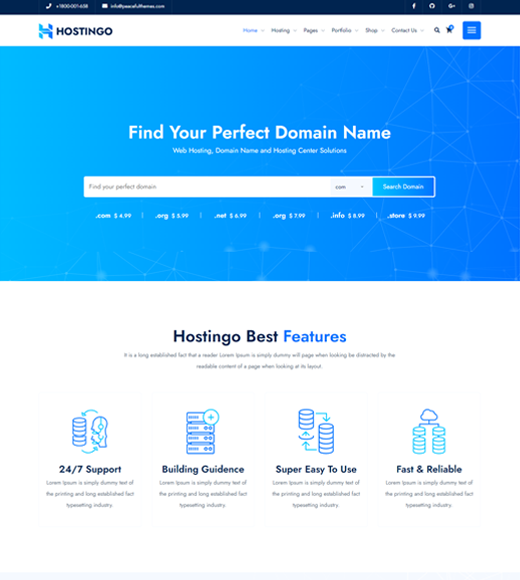
Hostingo leans into volume — over 100 built-in elements and a drag-and-drop layout system, all wrapped in a fully responsive, retina-ready build.
Key features:
- 100+ ready-to-use elements
- One-click installer
- Built-in domain search widget
- Contact Form 7 compatible
Pros: Fast to set up even with a large page count Cons: With that many built-in elements, first-time users can feel a bit overwhelmed until they’ve explored the options panel
Who it’s for: Teams that want a large page library to pull from rather than building layouts from scratch.
Price: From $36 for a regular license.
4. Hostinza
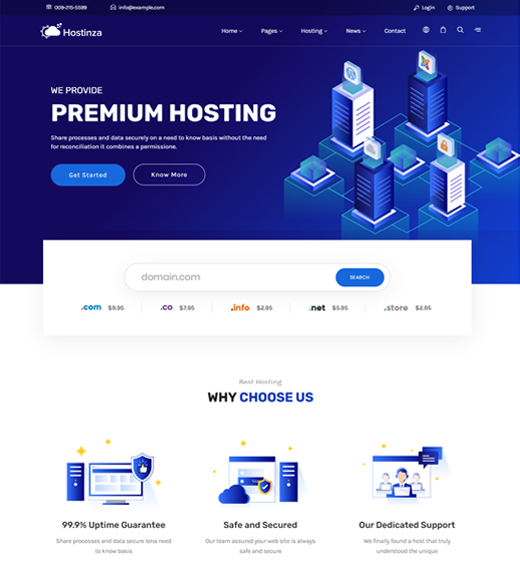
Hostinza is worth a look if your team already works in Elementor. It’s built on Elementor plus Revolution Slider rather than a proprietary builder, so anyone with existing Elementor experience can pick it up fast.
Key features:
- 9 homepage demos
- Built-in WHMCS Bridge template
- 5+ pricing table styles
- WPML and translation-ready
Pros: No new builder to learn if you already use Elementor elsewhere Cons: You’re dependent on Elementor’s performance and plugin ecosystem, which adds more moving parts than a self-contained theme
Who it’s for: Agencies or teams standardizing on Elementor across multiple client sites.
Price: From $59 for a regular license.
5. Divi
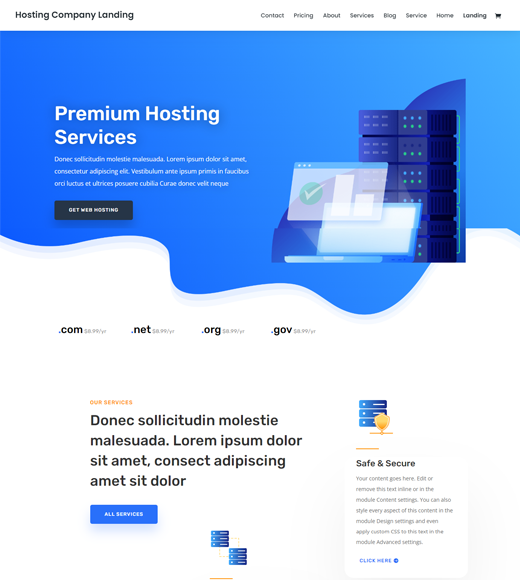
Divi brings its own front-end visual editor — the Divi Builder — with 800+ template layouts you can drop in and customize without writing code.
Key features:
- Divi Builder front-end editor
- WooCommerce integration
- Built-in CTA modules
- 24/7 support from Elegant Themes
Pros: One of the most mature visual builders on the market, backed by long-term support Cons: Locks you into the Divi Builder ecosystem — migrating away from it later takes more work than with a standard theme
Who it’s for: Teams that want a all-in-one builder-plus-theme package and plan to stay with it long-term.
Price: From $89/year for unlimited site usage.
6. WebHosty
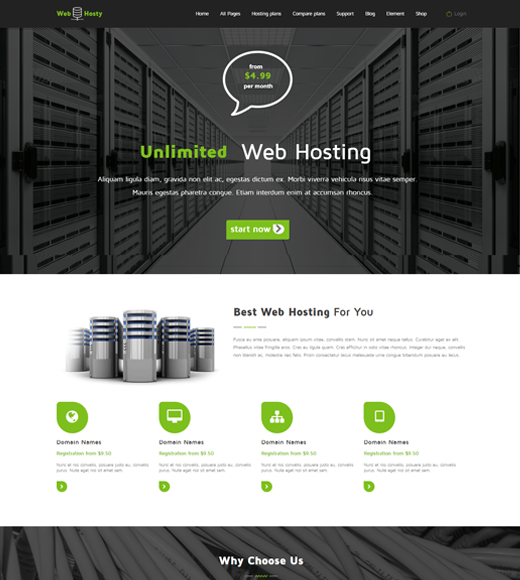
WebHosty is built for hosting and SaaS businesses specifically, with a focus on clean, well-documented code — useful if you’ll eventually hand the site off to a developer.
Key features:
- Fully commented, organized theme files
- Redux options panel
- Custom widgets and shortcode generator
- Drag-and-drop page builder
Pros: Easier for a developer to extend later, since the code is well-organized Cons: No built-in WHMCS bridge, so plan to add a plugin if billing integration matters to you
Who it’s for: Hosting or SaaS businesses that expect to customize the theme further down the line.
Price: From $39 for a regular license.
7. Astra
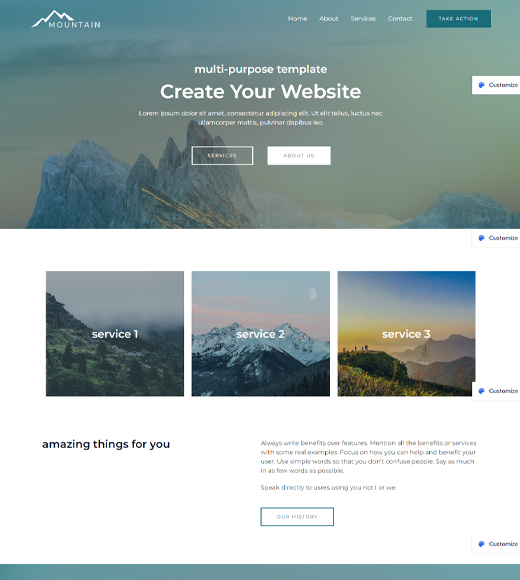
Astra isn’t a hosting-specific theme, but it’s worth including because of how widely used and actively maintained it is. It’s one of the most popular multipurpose WordPress themes overall, with hundreds of pre-built templates across industries, including hosting and SaaS layouts.
Key features:
- Free core theme, with a huge starter-template library
- Gutenberg compatible and fully open source
- Built for speed and accessibility
- Works with any major page builder
Pros: Enormous community, frequent updates, low risk of the theme being abandoned Cons: You’ll need a separate plugin for WHMCS — it’s not built in, since Astra isn’t hosting-specific
Who it’s for: Anyone who wants the safety of a huge, actively developed theme and doesn’t mind adding WHMCS integration themselves.
Price: Free, or from $49/year on paid plans.
8. MaxHost
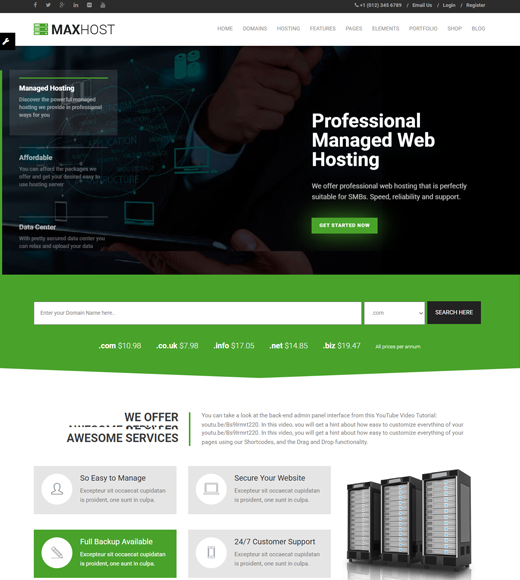
MaxHost pairs a one-click demo importer with WPBakery, giving you 50+ custom elements and automated domain lookup tools out of the box.
Key features:
- Built-in WHMCS integration
- AJAX domain checker
- Mailchimp and AWeber integration for newsletters
- 7+ homepage styles
Pros: Strong out-of-the-box marketing tools (domain checker, email integration) Cons: Built on WPBakery, which some users find less intuitive than newer drag-and-drop builders
Who it’s for: Hosting companies that want built-in marketing tools without adding extra plugins.
Price: From $39 for a regular license.
9. Hostino

Hostino keeps things simple: a modern design, built-in WHMCS readiness, and a straightforward options panel for fonts and layout — no steep learning curve.
Key features:
- WHMCS-ready out of the box
- Full theme options panel for typography
- Responsive across devices
- Clear documentation
Pros: Genuinely easy to set up if you want minimal decisions to make Cons: Fewer homepage variations than some competitors on this list, so heavily custom layouts take more manual work
Who it’s for: Smaller hosting businesses that want something dependable without a big learning curve.
Price: From $99 for a regular license.
How to Choose the Right Web Hosting Theme
With nine solid options, the right pick usually comes down to three questions.
Do you bill through WHMCS directly on your site? If yes, prioritize Hostiko, Hostingo, Hostinza, MaxHost, or Hostino — they all ship with the bridge built in, so you skip a setup step. If you handle billing elsewhere, that requirement disappears and any theme on this list works.
Do you already have a page builder you like? If your team already knows Elementor, Hostinza or Zakra will feel familiar immediately. If you want a builder bundled with the theme itself, Divi is the more complete package.
Is budget or long-term flexibility the priority? Zakra and Astra both offer capable free versions, which matters if you’re testing the market before committing spend. If you want the largest template library regardless of price, Divi and Astra’s paid tiers both offer that depth.
🚧 Important: Whatever you choose, confirm the theme is still actively updated before buying. A hosting theme that hasn’t been updated in over a year is a real risk — WordPress core, PHP, and plugin APIs all move fast enough that abandoned themes start breaking within a few major updates.
Wrapping Up
You now have nine real, purpose-checked options instead of a wall of near-identical marketplace listings to sort through yourself. If WHMCS integration is your main requirement, start with Hostiko or Hostino. If you’d rather launch today for free and add integrations as you grow, Zakra is the fastest path — see how Zakra compares free vs. pro before you commit to a paid plan.
FAQs
Do I need WHMCS integration for a hosting website?
Only if you bill and manage client accounts directly through your site. If you use a separate client portal or billing tool, you can skip themes with built-in WHMCS and choose based on design and page builder instead.
Can I use a free WordPress theme for a hosting business?
Yes. Zakra and Astra both offer capable free versions that cover core pages — home, pricing, and hosting plan comparisons — without paying anything upfront. You can always upgrade later if you need more templates or advanced modules.
What’s the difference between a hosting-specific theme and a multipurpose theme like Astra or Divi?
Hosting-specific themes (like Hostiko or MaxHost) come with WHMCS bridges and pricing-table layouts already built. Multipurpose themes are more flexible long-term but usually need an extra plugin to handle WHMCS billing.
How long does it take to set up one of these themes?
Most of these themes include a one-click demo importer, so a basic site is usually live within an hour. Custom branding, page tweaks, and connecting your billing system typically add another few hours on top of that.
Is Zakra good enough for a hosting business without paying for Pro?
For most small hosting businesses starting out, yes — the free version covers page building, starter sites, and WooCommerce if you sell add-ons. You’d only need Pro for advanced customization options or premium starter sites.